How to Register for MindTap
Watch this video for step-by-step instructions on how to register for your course.
Or scroll down for instructions on how to register.
 Enroll in Your Course
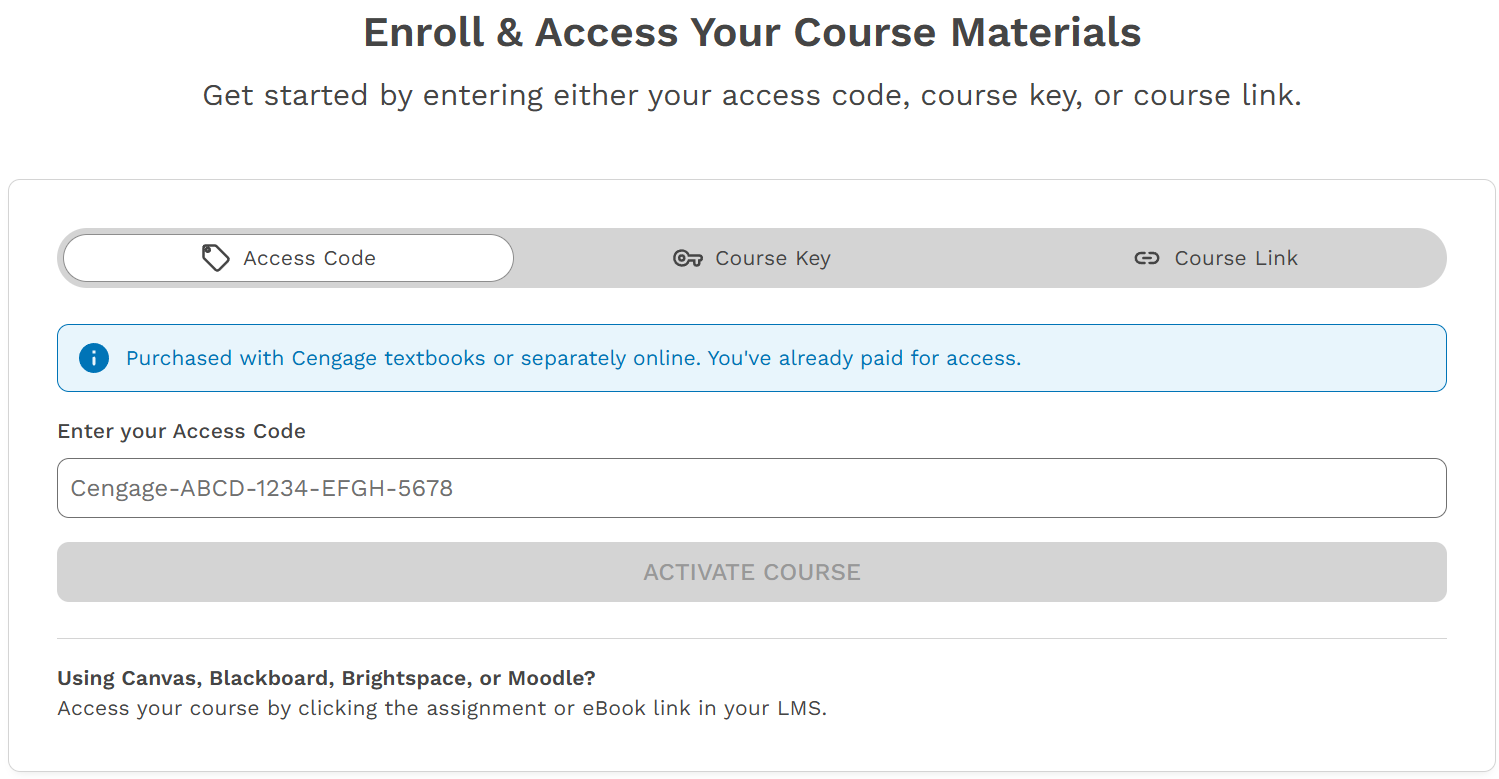
Go to GetEnrolled.com. Enter a Course Key or Course Link provided by your instructor. Reach out to your instructor to request a Course Key or Course Link.
*Access Codes are not necessary for Inclusive Access courses.
 Access Cengage
Click Sign In or Create Account

 Log in to Your Cengage Account
If you already have a Cengage account, log in now. New to Cengage? Click “Create Account” and register. We recommend using your school email.
To verify your account, open the ‘Welcome to Cengage’ email you just received and click ‘Activate Cengage Account’ to set your password and complete the registration process. Be sure to use the same device and browser to create and verify your account.
*You might already have a Cengage account if you’ve used MindTap, CNOWv2, OWLv2, SAM, WebAssign or another Cengage platform in a different course.

 Access Your Course
You’ve found your course materials! Your eBook and assignments have already been purchased and you now have full access to them. Click OPEN to access your course.